
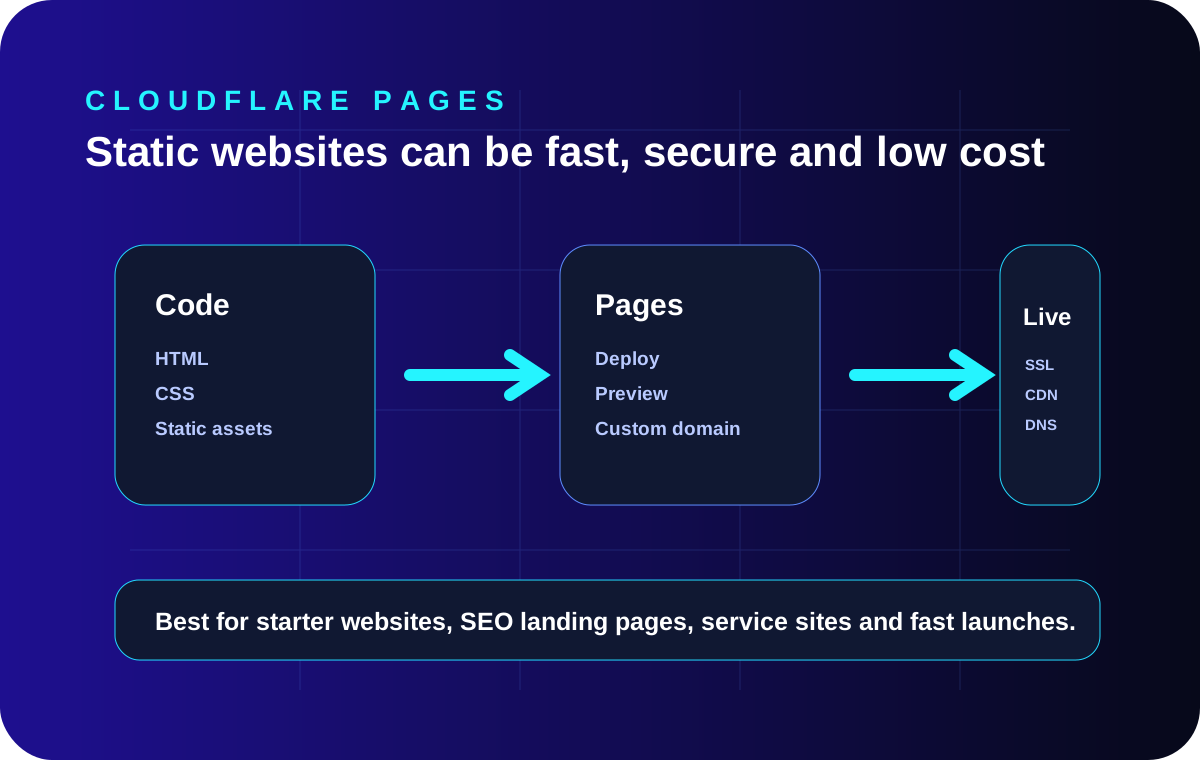
Static websites are a strong starting point for many businesses.
A static website is built with pre-created HTML, CSS, JavaScript and image files. There is no database needed for every page request, so the site can be fast, low-maintenance and easier to host affordably.
This is why static websites are excellent for service businesses, consultants, startups, pricing pages, case studies, documentation, landing pages and SEO content hubs.
Why use Cloudflare Pages?
Cloudflare Pages is suitable for static website deployment with custom domains, preview deployments, Git integration and global delivery. For a lean business website, this keeps infrastructure simple while still supporting professional launch readiness.
Recommended Cloudflare Pages launch setup
- Build the static website locally and test it on localhost.
- Push files to GitHub or upload directly to Cloudflare Pages.
- Connect the custom domain and enable HTTPS.
- Add sitemap.xml, robots.txt, canonical URLs and schema.
- Submit the sitemap in Google Search Console after launch.
When is Cloudflare Pages the best fit?
It is a strong fit when the website is mostly content, services, pricing, contact, case studies and SEO articles. If the business later needs dashboards, logins, CRM, payments or databases, those can be added as a separate application layer.